FAQ
HomeServer/HomeServer Mac address
How is the HomeServer MAC address determined?
The Gira HomeServer MAC address is also the device serial number. This always consists of sets of two characters separated by hyphens. Example: 00-01-02-03-0A-0B.
Relevant Products
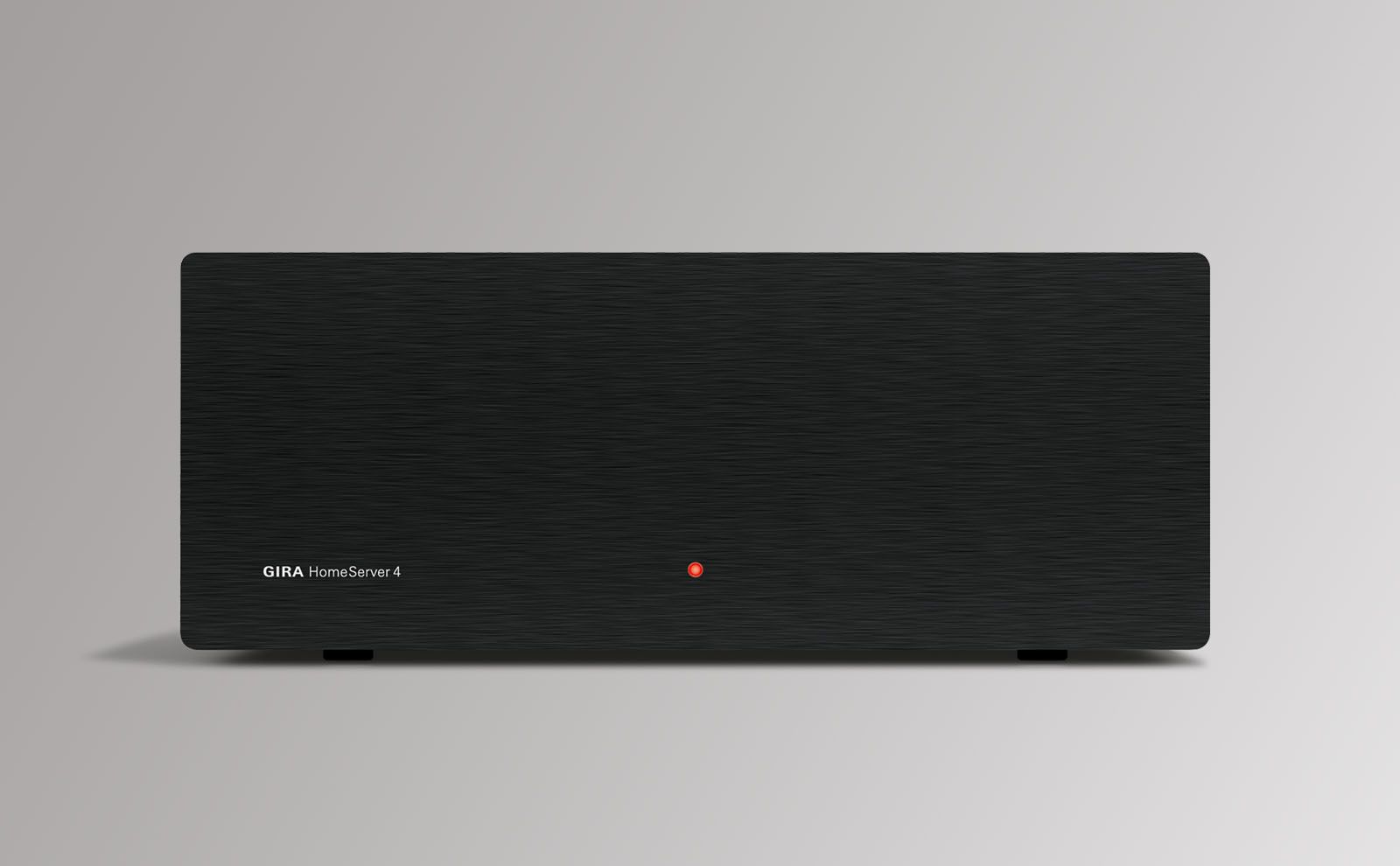
Gira HomeServer: make your Smart Home even smarter.
The Gira HomeServer controls your KNX devices and keeps your data safe at the same tim.
Similar Questions
The Gira HomeServer is the on-board computer for the smart home. It connects the KNX system’s electrical installation to the computer network and the internet. With its various operating devices, it gives you centralised control over intelligent building technology – at home or on the move. What’s more, it also allows for integration of a large number of further technologies, such as a door communication system, cameras and audio systems.
This is the name given to the user-friendly operating interface of, for example, the Gira HomeServer, which can be used to easily and intuitively control the functions of innovative building technology. The touch screen makes it easy to operate with one finger.
The HomeServer logic differs in terms of the commands and outputs. The outputs can be used to send the results of the nodes to the KNX or link them directly to other nodes via PINS. Commands are used to trigger alarms, call up light scenes and sequences, etc. Please find attached a pdf document with important information on the basic working principles of the logic. You will also find a full description of the function blocks.
Can’t find what you were looking for?
Please
call us
We're happy to help.
+49 2195 602 6996
Monday to Friday 7.30 AM to 8.00 PM
Saturday from 8.00 AM to 12.00 PM